

TL;DR:
- Duplicate content arises from technical issues and accidental reuse rather than intentional copying.
- It harms SEO by wasting crawl budget and splitting link equity, reducing page rankings.
- Identifying duplicates with tools and fixing them through canonical tags, redirects, or content rewriting improves visibility.
Duplicate content is one of the most quietly damaging problems on small business websites, and most owners never know it’s there. You didn’t copy anyone. You didn’t cheat. But your platform created multiple URLs for the same product page, or you reused a service description across three city landing pages, and now search engines are confused about which version to show. That confusion costs you rankings, traffic, and customers. This guide walks you through exactly what duplicate content is, why it happens, how to find it, and the practical steps you can take to fix it and keep it from coming back.
Table of Contents
- What is duplicate content and why does it happen?
- How duplicate content affects SEO and site visibility
- Spotting duplicate content: Tools and techniques
- Fixing and preventing duplicate content: Practical steps for small businesses
- A fresh look: Why the fear of ‘penalties’ holds businesses back on SEO fixes
- How SEO Analytic can help you solve duplicate content and boost growth
- Frequently asked questions
Key Takeaways
| Point | Details |
|---|---|
| No penalty, but hidden risks | Duplicate content doesn’t trigger Google penalties but causes lost SEO opportunities and reduced traffic. |
| Simple tools for detection | Free and paid tools help you spot duplicate content fast so you can take action before losing rankings. |
| Fixes start with unique pages | Most issues are solved by making each page distinct, using canonical tags, and regular content audits. |
| Mindset shift needed | Winning at SEO means focusing on unique value and visibility—not just avoiding penalties or compliance. |
What is duplicate content and why does it happen?
Let’s clear up a common misconception right away. Duplicate content is not just about copying someone else’s article. Duplicate content refers to identical or highly similar content appearing on multiple URLs, either on the same site (internal) or across different sites (external). Most of the time, it happens by accident, and that’s exactly what makes it so tricky to catch.
Internal duplicate content is when your own website has two or more pages with the same or nearly the same text. External duplication happens when your content appears on another domain, whether you syndicated it, licensed it, or someone scraped it without permission. Both types create problems, but internal duplication is far more common for small business websites.
So why does it happen in the first place? Here are the most frequent culprits:
- E-commerce platforms automatically generate separate URLs for product variations like size or color, creating dozens of near-identical pages
- Print-friendly versions of pages that live on a separate URL
- Session IDs and tracking parameters added to URLs by analytics tools, creating hundreds of technical duplicates
- Copy-pasted service descriptions across multiple location pages
- Syndicated blog posts republished on partner sites or directories
- Staging or development environments accidentally indexed by search engines
- AI-generated content that produces near-identical pages at scale
“The most dangerous duplicates are the ones your CMS creates automatically. You never wrote the same thing twice, but your website did it for you.”
Understanding why unique content matters is the first step toward protecting your site. The rise of AI writing tools has made this even more urgent. When businesses use AI to produce location pages or product descriptions in bulk, the output often looks different on the surface but is semantically similar enough to trigger filtering by search engines. The problem is growing faster than most business owners realize.
Intentional duplication, like deliberately scraping content to build pages quickly, is a separate issue and carries more serious consequences. But the vast majority of small business duplicate content is unintentional, which means it’s fixable once you know where to look.
How duplicate content affects SEO and site visibility
Here’s the part that surprises most people: Google does not issue a formal penalty for unintentional duplicate content. So why does it still hurt you? Because the damage is quieter and more persistent than a penalty.

No direct Google penalty exists for unintentional duplicate content, but it leads to diluted link equity, wasted crawl budget, indexing issues, and poor rankings as search engines choose one canonical version and ignore the rest. That means your best page might not be the one that gets shown.
Here’s how the damage plays out in practice:
- Crawl budget gets wasted. Search engine bots have a limited amount of time to crawl your site. If they’re spending that time on duplicate URLs, your most important pages get crawled less frequently.
- Link equity gets split. When two pages have the same content, any backlinks pointing to either version split their ranking power. Neither page gets the full benefit.
- The wrong page ranks. Search engines pick one version to show. They might choose the wrong one, like a parameter-heavy URL instead of your clean product page.
- Local and service pages suffer most. Small businesses with multiple location pages often copy the same service descriptions and just swap the city name. Search engines see through this quickly.
- AI search is even less forgiving. Near-duplicates of 80 to 90% similarity trigger issues because engines use semantic analysis, not just exact text matching.
Think about what this means for your business. You invest time and money into a service page, build some links to it, and then watch a duplicate version outrank it or both versions disappear from results entirely. Understanding content length and SEO is part of the picture, but content uniqueness is equally critical. For businesses running multi-location SEO campaigns, duplicate location pages are one of the fastest ways to undermine all that effort.
Spotting duplicate content: Tools and techniques
Finding duplicate content before Google does is the goal. Fortunately, you have several solid options, both free and paid.
| Tool | Threshold for flagging | Best for |
|---|---|---|
| Google Search Console | Manual review via Index Coverage | Spotting indexing issues and dropped pages |
| Semrush Site Audit | 85%+ similarity | Automated site-wide duplicate detection |
| Moz Pro Site Crawl | 90% threshold | Detailed page-level duplicate reports |
| Copyscape | Exact/near match | Checking external content theft |
| Siteliner | Varies | Free internal duplicate scan |
Detection tools like Google Search Console, Semrush, and Moz Pro each have different sensitivity thresholds, so using more than one gives you a fuller picture. Start with Google Search Console’s Index Coverage report because it shows you exactly which pages are being indexed and which are being filtered out.
Beyond automated tools, here are manual techniques that work well for small business sites:
- Use a site: search in Google (e.g., site:yourdomain.com “your product description”) to see if the same text appears on multiple pages
- Run your page text through a plagiarism checker like Copyscape to catch external duplication
- Review your URL structure manually for parameter-heavy addresses
- Check for www vs. non-www versions of your homepage both being accessible
- Look for HTTP and HTTPS versions of the same pages if your redirect isn’t set up correctly
Pro Tip: Don’t try to audit your entire site at once. Use your analytics tools comparison data to identify your highest-traffic and highest-converting pages first. Fix those before moving to lower-priority content. A focused content audit on your top 20 pages will deliver more impact than a scattered review of 200 pages. Also, make sure your crawl settings are dialed in correctly by learning how to optimize site crawling for better visibility.
Fixing and preventing duplicate content: Practical steps for small businesses
Once you’ve identified the problem, fixing it is more straightforward than most people expect. Here’s a prioritized process:
- Run a full site audit using Semrush or Moz to get a complete list of duplicate URLs
- Categorize duplicates by type: parameter-based, content-based, or cross-domain
- Set canonical tags on product or location pages to tell search engines which version is the primary one
- Apply 301 redirects when you have two separate pages covering the same topic and you want to consolidate them
- Rewrite thin or copied content on service and location pages to make each one genuinely unique
- Update your robots.txt file to block staging environments and parameter URLs from being crawled
- Monitor regularly using Google Search Console to catch new duplicates before they compound
| Fix | When to use it |
|---|---|
| Canonical tag | Multiple similar URLs that all need to stay live |
| 301 redirect | One page is clearly the preferred version |
| Noindex tag | Pages that exist for users but shouldn’t rank |
| Robots.txt block | Dev/staging environments and parameter pages |
| Content rewrite | Location or service pages with copied descriptions |
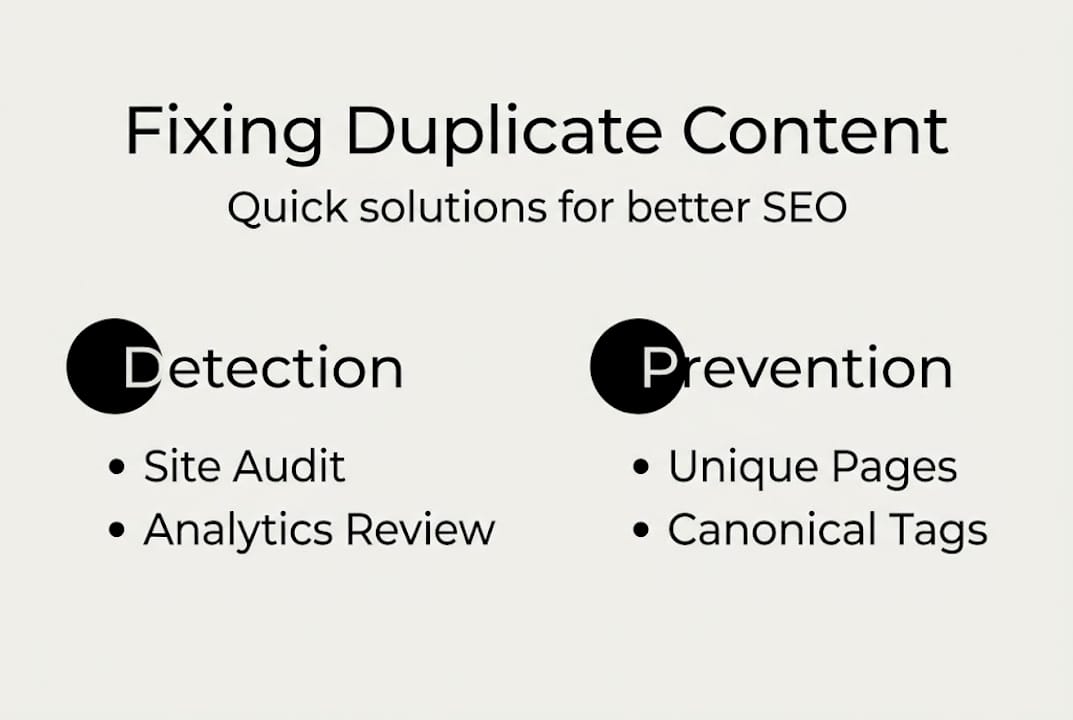
Preventing duplicate content long-term means building unique content per page, using self-referencing canonicals for parameter URLs, and monitoring with Google Search Console consistently. A solid content planning process helps you stay ahead of the problem instead of chasing it.
Pro Tip: Schedule a quarterly content review as part of your regular business operations. Set a reminder, block an hour, and run your site audit tool. Catching one or two new duplicates every three months is far easier than untangling 50 of them a year from now. Your content marketing strategy should include duplicate prevention as a standing checklist item.
A fresh look: Why the fear of ‘penalties’ holds businesses back on SEO fixes
Here’s something we see constantly: small business owners hear “duplicate content” and immediately think they’re about to get penalized or banned from Google. That fear is understandable, but it’s also the reason many businesses delay fixing the problem until the damage is already done.
The real risk isn’t a penalty. It’s the slow, invisible loss of traffic to competitors who simply have cleaner, more unique pages. Every month you leave duplicate content unaddressed is a month your competitor is consolidating their authority and outranking you on the searches that matter.
The mindset shift we encourage is this: stop thinking about duplicate content as a compliance issue and start treating it as a growth opportunity. When you fix duplicate pages, you’re not just avoiding a problem. You’re consolidating your site’s authority, improving user experience, and future-proofing your rankings against algorithm updates that increasingly reward content quality over sheer volume. AI-driven search is making semantic uniqueness more important than ever. Businesses that act now will compound those gains over time, while those waiting for a penalty notice will keep losing ground quietly.
How SEO Analytic can help you solve duplicate content and boost growth
If this guide has shown you anything, it’s that duplicate content is a solvable problem. But solving it well requires the right tools, the right strategy, and consistent follow-through.

At SEO Analytic, we help small businesses identify and fix duplicate content through detailed site audits, targeted content strategy, and ongoing optimization. Whether you need Search Engine Optimization help to recover lost rankings, guidance on business website building that avoids common duplication traps from the start, or access to top website analytics tools to monitor your progress, we have the expertise to make it happen. You focus on running your business. We’ll make sure your website is working as hard as you are.
Frequently asked questions
Does duplicate content cause a Google penalty?
No direct Google penalty exists for unintentional duplicate content, but it can dilute your rankings and cause search engines to filter your pages from results. The impact on visibility can be just as damaging as a formal penalty.
What’s the fastest way to find duplicate content on my website?
Use Google Search Console, Semrush, or Moz Pro to quickly identify duplicate URLs through their index coverage and site audit features. Running a site: search in Google is also a fast manual method.
How do I fix duplicate content on product or service pages?
Rewrite descriptions to be genuinely unique for each page, and use canonical tags or 301 redirects when pages must remain similar in structure. Even small, meaningful differences in content can help search engines distinguish between pages.
Can duplicate content be caused by AI-generated pages?
Yes. AI content worsens duplicate clustering because tools often produce near-identical pages that search engines group together and filter from results. Always review and customize AI output before publishing.
Recommended
- Boost Rankings with Effective On-Page SEO Techniques – seo analytic
- Multi-location SEO tips: boost visibility for every site – seo analytic
- Content Audit Checklist: Improve Your Online Strategy – seo analytic
- On-Page SEO Checklist for Better Rankings and Traffic – seo analytic
- SEO? | Artificial Intelligence